
How Multi-Carrier Quoting Software Can Simplify an Agent's Workday
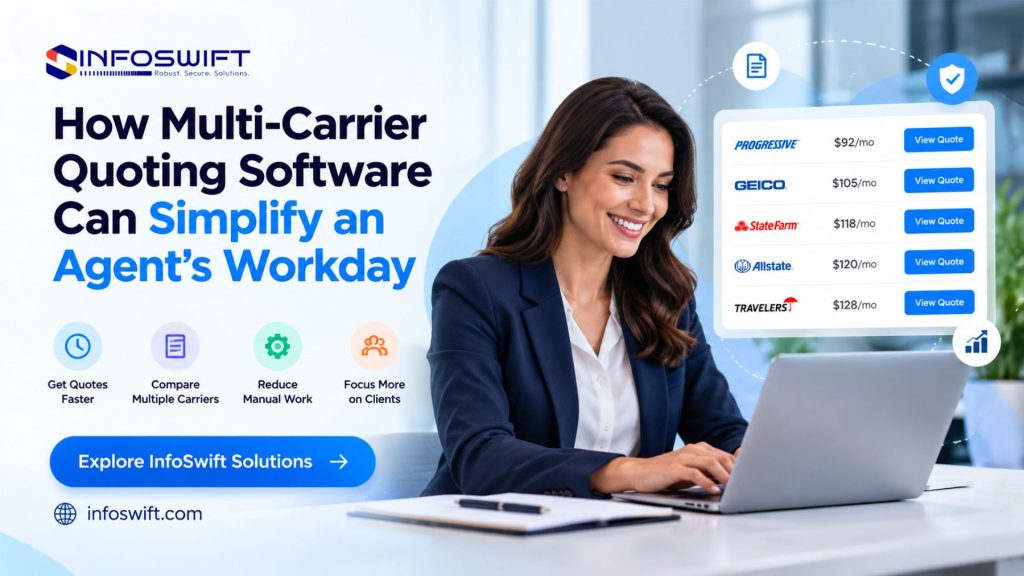
Why Insurance Agents Need More Efficient Quoting Workflows
At 9:40 on a Monday morning, an agent has a prospect on the phone who wants auto and home quotes. By 10:15 she has logged in to four carrier sites, typed the same driver details four times, and collected four sets of results in four browser tabs, each with a different deductible. The call is over, and the comparison, which is the part the customer actually needs, has not started.
That sequence is the daily reality of quoting for many agents. Collecting customer details takes time. Reaching multiple carrier systems means multiple logins and multiple question sets. Preparing quotes involves copying numbers into a proposal. Comparing coverage options means translating different carrier layouts into something a customer can read. Then the follow ups begin, and they depend on notes, memory, and an inbox.
Multi carrier insurance digital quoting software organizes these tasks into one workflow. Information is entered once, sent to the participating carriers the platform supports, and brought back in a form that can be compared and followed up. The aim is not to remove the agent’s judgment but to remove the clerical work that stands between the agent and the customer conversation. This guide explains how the technology works, where it helps, what to look for when evaluating it, and how it fits alongside the rest of the agency’s systems.
What Is Multi-Carrier Insurance Quoting Software?
Multi carrier insurance quoting software lets an agent submit one set of customer and risk information and receive quote options from several participating carriers through a supported platform or workflow. Vendors may label the category multi carrier insurance digital quoting software or insurance digital quoting software, but the underlying idea is the same. Two words in that definition deserve attention. “Participating” means each carrier chooses whether to be available, and the agency usually needs an appointment with it. “Supported” means a connection has actually been built between the software and that carrier for that product and state.
The experience with multi carrier insurance quoting software varies by carrier. Some return a rating result directly in the platform. Others pass the agent to the carrier’s own site with the data prefilled, which saves typing but not the extra step. A quote is also not a policy: binding usually happens in the carrier’s process or the agency’s management system after the customer chooses.
How Does Multi-Carrier Quoting Work?
- Collect customer and risk information. The agent enters details during a call, or the customer supplies them through an online form. The software checks entries for completeness and format before anything is sent.
- Submit information to supported rating or carrier systems. The platform translates the data into the format each carrier expects and sends it. Some carriers respond within moments, while others take longer or request more information.
- Retrieve available quotes. Results come back as quotes, and also as declines or referrals, which are useful information about where a risk fits.
- Review premiums, coverage limits, and applicable conditions. The agent looks past the premium to limits, deductibles, exclusions and endorsements, payment plan terms, and the period for which the quote remains valid.
- Present suitable options to the customer. The agent explains the tradeoffs and records which options were presented and which one the customer chose.
What Is a Comparative Rater in Insurance?
A comparative rater is the comparison engine inside this workflow. It sends one set of applicant data to the rating engines of several carriers and returns estimated premiums side by side, so the agent does not have to rate each carrier separately. Comparative rater tools are most common in personal lines such as auto and homeowners, and some support small commercial products, depending on the carriers and the product.
What a comparative rater can show is limited by product availability and system connectivity. A carrier appears only if it participates and is connected for that line and state. The figures are rating estimates, and the final premium can change once the carrier completes underwriting, which typically includes reviewing items such as motor vehicle records and loss history reports. An agent who understands that distinction can set the right expectation with the customer from the first call.
Common Quoting Challenges Insurance Agents Face
Switching Between Multiple Carrier Websites
Every carrier portal has its own login, its own multi factor prompt, its own order of questions, and its own session timeout. An agent moving between four of them is not just clicking more. She is rebuilding context each time, remembering which screen asks for prior insurance first and which asks for it last, and sometimes losing a half completed entry when a session expires. The interruption costs more than the seconds it takes to change tabs.
Re-entering Customer Information
Retyping is rarely a pure copy. Carriers label and structure similar facts differently, so one asks for the garaging address and another for the mailing address, and one wants a relationship code where another wants a free text field. The agent ends up translating as well as typing, which is where mismatched entries and rating differences begin. Our guide to insurance agency data management looks at this problem across the whole agency.
Comparing Quotes Manually
Results from different carriers rarely line up. One quote may default to a higher deductible, another may include an endorsement the others leave out, and a third may use a different valuation basis for the same property. To compare fairly, the agent has to normalize these differences in a spreadsheet or in her head, and the effort grows with every carrier added. A comparison that is not normalized can quietly favor the wrong option.
Managing Quote Follow-Ups
When quotes live in browser tabs, emails, and handwritten notes, no single record shows which are pending, which have expired, and what the customer last said. Carriers set their own validity periods, so a quote that was competitive last week may no longer be available. Without a connected record, a colleague covering for the agent cannot continue the conversation, and the prospect is likely to feel the gap.
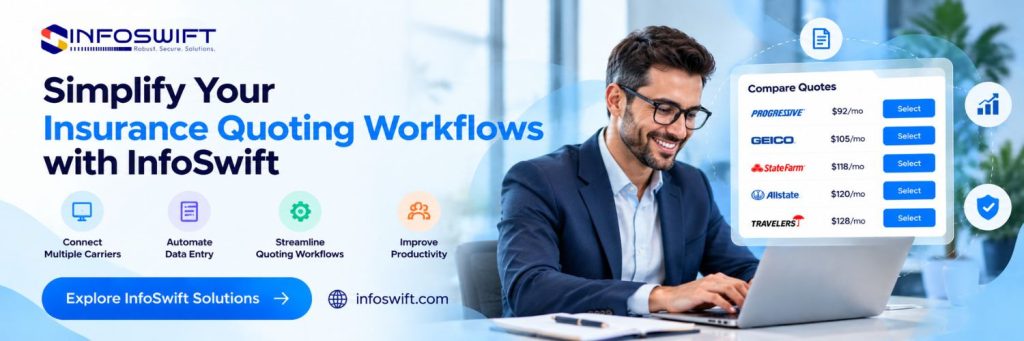
7 Ways Multi-Carrier Quoting Software Simplifies an Agent’s Workday
1. Access Multiple Carrier Quotes Through a Connected Workflow
Multi carrier insurance digital quoting software puts the agent on one screen and one login, through supported integrations, instead of a stack of carrier sites. Results arrive in a mix the agent can read quickly: instant quotes, pending responses, referrals, and declines. Carriers that are not connected stay outside the platform, so it helps to keep a short list of those exceptions and handle them separately.
2. Reduce Repetitive Data Entry
In multi carrier insurance quoting software, reusable customer information and prefilled fields mean a driver, address, or vehicle entered once is available for every carrier and every line. A correction made in one place carries forward to every carrier’s form. Prefill depends on what the platform can draw from existing records and what is permitted, so expect it to cover some fields and not all.
3. Compare Available Quotes More Efficiently
Insurance digital quoting software with a built in comparative rater places options in a consistent layout, with premiums, limits, and deductibles aligned in matching columns. Differences become easy to spot, such as one carrier offering a lower deductible or another excluding a coverage the customer asked about. Many tools can also produce a customer ready summary, so the agent explains the choices from one document instead of improvising from several screens.
4. Organize Customer and Quote Information
Good insurance quoting software stores each quote with the inputs it was based on, the results returned, the options presented, the choice made, and any notes or documents. That makes it possible to answer a customer’s question months later about what was quoted and why. It also lets colleagues pick up a file without a briefing.
5. Improve Follow-Up and Renewal Workflows
In multi carrier insurance quoting software, reminders and task tracking turn follow up into a scheduled activity. Connected CRM tools add the history of earlier calls and messages. Quote expiration dates can drive alerts so a stale quote is refreshed before the customer calls back. At renewal, existing policy data can be run through the comparative rater ahead of the renewal date, which gives the agent a prepared conversation instead of a last minute scramble.
6. Connect Quoting Tools With Agency Management Systems
API integrations or supported connectors can transfer information between insurance digital quoting software and the agency management system. A customer record can be created or updated from the quote, and details of a bound policy can flow back for servicing. This removes the retyping that otherwise happens after the sale, though the depth of the connection depends on what each system supports.
7. Support Better Day-to-Day Productivity
Consider the shape of a day with multi carrier insurance digital quoting software. Mornings begin with a prepared list of renewals and expiring quotes. New requests arrive with complete information and move to the comparative rater without rework. Afternoons go to conversations with customers who have quotes in front of them. The administrative minutes saved on each task are small, but they are repeated dozens of times, and what they return is time for advice and relationships.
What Features Should Agents Look for in Insurance Quoting Software?
Use these as questions to put to any vendor of multi carrier insurance digital quoting software.
- Multi-carrier connectivity and comparative rating. Connectivity is the core of multi carrier insurance quoting software, so ask for the carrier list by state and line of business, not a total count. Find out how each carrier returns results, whether instantly or after a delay, and whether the comparative rater covers the lines you actually write.
- Customer information prefill and validation. Ask what is prefilled and from which source. Check which validations prevent rating errors, such as vehicle identification number formats and address standardization, and whether staff can override a value when they have a reason to.
- Agency management system and CRM integration. Name your systems and ask what record types move between them: prospects, quotes, bound policies, and documents. A connection that handles bound policies but ignores quotes that did not close leaves a gap in your records.
- Quote status tracking and follow-up reminders. Look for statuses that reflect the quoting stages, expiration dates that trigger alerts, and reminders assigned to a named person.
- Secure data handling and access controls. Expect role based permissions, multi factor authentication, encryption, and audit logs. Many states have adopted insurance data security laws based on the NAIC Insurance Data Security Model Law, which asks licensees to maintain a risk based information security program and to oversee their third party service providers. A quoting vendor is such a provider, so expect questions about it and ask the vendor for its security documentation.
- Reporting and workflow visibility. Useful reports show turnaround and conversion, and also how often each carrier returns a quote versus a decline. That pattern helps an agency decide which carrier relationships are worth investing in.
- Usability and scalability. A new producer should be productive on a standard quote within the first training sessions, and the platform should add carriers, states, and users without a rebuild.
For a broader checklist that applies beyond multi carrier tools, see our guide to insurance quote management software features.
The Role of an Insurance Digital Quote Portal in Multi-Carrier Quoting
An insurance digital quote portal gives the agency a structured way to collect customer information and start the quoting workflow. In multi carrier insurance digital quoting software, its design matters because the portal has to gather enough information to satisfy several carriers’ question sets at once. A well built portal asks the common questions first and adds carrier specific follow ups only when a particular carrier needs them, so customers are not asked for everything up front.
The portal also handles tasks that are easy to overlook. It can present the disclosures and consents required before reports are pulled on a customer, and it can separate the customer facing view from the agent view, since agents need to see rating detail that customers do not. The finished submission arrives in the agency’s workflow as structured data ready for the comparative rater, instead of as a message someone has to decode.
Connecting Quote Portals With Carrier and Agency Systems
An insurance digital quote portal is only as useful as its connections. API integration lets the portal pass data to raters and carrier systems, and hand completed records on to the agency management system. The hard part is data mapping, which means matching each field in the portal to the field each system expects. Coded values, date formats, and required versus optional fields all differ. ACORD publishes property and casualty data standards in formats such as XML, aimed at straight through processing, and mapping to a common standard can reduce translation work where vendors support it. Support varies, so confirm it instead of assuming it.
Confirm compatibility for each platform individually. Ask which version of the interface is in use, how credentials are issued, whether a test environment exists, and who updates the mapping when a carrier changes its questions or product. A connection that works at launch and breaks quietly after a carrier update is a common source of lost quotes.
When Should an Agency Consider a Custom Quote Portal?
Standard tools serve most agencies well. A custom insurance digital quote portal becomes worth considering when they cannot support a specific workflow or integration. Typical triggers include eligibility rules built on chained questions that a form builder cannot express, or a required connection to a proprietary system. The decision involves cost, time, and ownership tradeoffs, which we cover in our comparison of building or buying a quote portal.
How InfoSwift Supports Connected Insurance Quoting Workflows
InfoSwift can help insurance organizations assess their existing quoting processes and plan suitable technology solutions. A useful first step is simple: follow one quote through a normal day and note each carrier site visited, each field typed more than once, and each place a follow up depends on memory. That map shows where multi carrier insurance digital quoting software would help and where the problem lies elsewhere.
Insurance API and Application Integration
InfoSwift can link a quoting tool to the agency management system and the CRM, using whatever APIs and connectors each platform exposes. The work includes mapping fields, adopting common data standards where carriers support them, and setting up monitoring so a failed transfer is noticed quickly.
Insurance Digital Quote Portal Development
A tailored insurance digital quote portal can collect quote information in a structure designed for several carrier question sets, with conditional questions, consent capture, and a clean handoff to the comparative rater and the agency’s other systems. The design is driven by the agency’s lines of business and carrier mix.
Custom Software, Modernization, and QA Testing
Where packaged products leave a gap, custom software can supply the missing piece, such as a comparison view built around the agency’s preferred summary format. Modernization can give older applications the interfaces they lack. Testing then confirms that the connected workflow still behaves correctly when a carrier revises its questionnaire or a system is updated.
To see the full range of insurance services, visit InfoSwift Insurance Agency Software Solutions.

Frequently Asked Questions About Multi-carrier quoting software
It is a tool that takes a single applicant record and returns quote options from the carriers it supports for your lines of business, all in one workflow. Carrier availability is the key variable, so the carrier list matters more than the feature list.
A comparative rater focuses on comparing available quotes from participating carriers. An insurance digital quote portal provides the interface for collecting information and for initiating or managing the quoting workflow. Many agencies use both, with the portal feeding the rater inside their multi carrier insurance quoting software.
Yes, wherever the platforms offer compatible APIs, connectors, or another supported integration method. Ask whether the connection also carries quotes that went nowhere, not just bound policies, since both belong in the customer’s record.
No. Available quotes depend on carrier participation, eligibility, underwriting criteria, customer information, and coverage selections. The lowest premium is also not always the best fit, because a lower price can reflect different limits, deductibles, or exclusions. The software shows the options, and the agent’s job is to help the customer choose among them.
When you evaluate insurance quoting software, consider carrier coverage, integration capabilities, usability, security, reporting, implementation requirements, and total cost. A practical test is to have a producer run the same three common quote types through each candidate and compare the time taken, the completeness of the results, and how cleanly the data reaches the agency management system.